
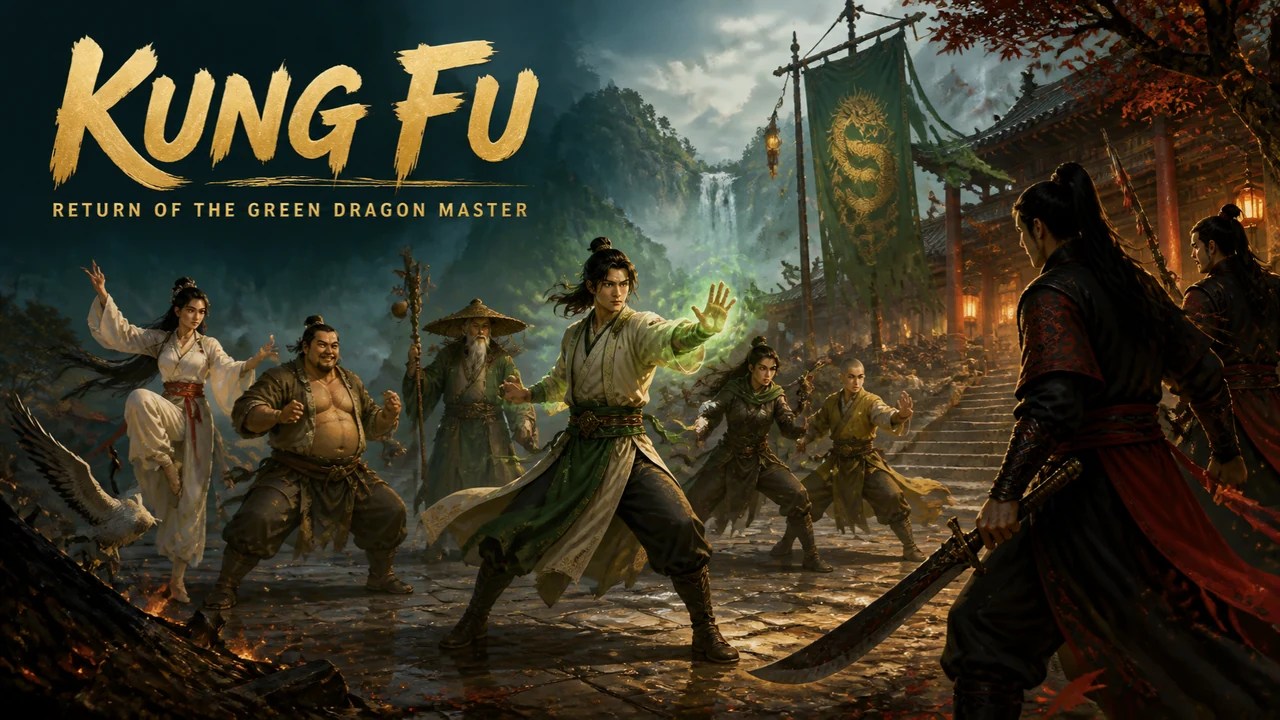
Kung Fu: Return of the Green Dragon Master · Cover art
In Development
Wuxia role-playing adventure
Kung Fu: Return of the Green Dragon Master
Find your master’s killer across six acts, then choose who you become.
Play a young martial artist in a wuxia role-playing game. Follow the clues to your master’s killer, level up and fight rival schools across six acts.
StatusIn development
PlatformWindows
A good breakA six-act campaign across 47 regions, with progress saved as you go.
Players1 player
Windows edition in development.
YOUR NEXT “ONE MORE GO”
What makes it fun.
You are Shi-An, a young martial artist who returns home to a burned school and a murdered master.
Learn from 20 martial styles, sixteen schools and six legendary weapons.
Five companions fight beside you, with five formations and duo techniques to master.
STILL BEING MADE
Kung Fu: Return of the Green Dragon Master is on its way.
IN DEVELOPMENT
Planned for Windows PC
Shi-An returns to Green Dragon Hall to find the school burned, Master Shen murdered and the jade sword gone. The official story blames bandits, but the witnesses remember details that do not fit. Travel through villages, roads, monasteries and courts and talk to everyone who saw something. Disputes are settled in fast arcade duels, where you read the distance, block, parry and build Chi for a style technique. Five companions can fight beside you and call assists, and six acts carry you from the ashes of the hall to a final choice about who you become.
- Planned for Windows PC
RELEASE NEWS
Hear when it is out.
Join the list at the bottom of this page and we will tell you when Kung Fu: Return of the Green Dragon Master is ready, along with new demos and games.
- An occasional email, no spam
- Leave the list whenever you like
CONTROLS AND COMFORT
How it plays.
Move with WASD or the arrow keys and press E or Enter to talk. In duels, J punches, K kicks, L swings your weapon, I spends Chi, S blocks and parries, Space evades and U throws. Gamepads and on-screen touch controls work too, and the prompts follow the controller you use.
Open the options from the pause menu to change difficulty, switch off screen shake and screen flashes, turn on high contrast, set the dialogue speed and turn quest tracking on or off. Progress saves automatically while you explore, and you can save from the pause menu too.
QUICK ANSWERS
Before your next break.
When is Kung Fu: Return of the Green Dragon Master out?+
Kung Fu: Return of the Green Dragon Master is still in development and has no release date yet. Join the release news list on this page and you will hear as soon as it is ready.
What platforms will Kung Fu: Return of the Green Dragon Master run on?+
The full game is planned for Windows 10 or newer (64-bit).
How long does Kung Fu: Return of the Green Dragon Master take to play?+
A six-act campaign across 47 regions, with progress saved as you go.
What will the full game include?+
Shi-An returns to Green Dragon Hall to find the school burned, Master Shen murdered and the jade sword gone. The official story blames bandits, but the witnesses remember details that do not fit. Travel through villages, roads, monasteries and courts and talk to everyone who saw something. Disputes are settled in fast arcade duels, where you read the distance, block, parry and build Chi for a style technique. Five companions can fight beside you and call assists, and six acts carry you from the ashes of the hall to a final choice about who you become.
How do I play?+
Keyboard, Gamepad, Touch controls. Move with WASD or the arrow keys and press E or Enter to talk. In duels, J punches, K kicks, L swings your weapon, I spends Chi, S blocks and parries, Space evades and U throws. Gamepads and on-screen touch controls work too, and the prompts follow the controller you use.
ANOTHER ONE FOR THE SHELF
More adventure to try.
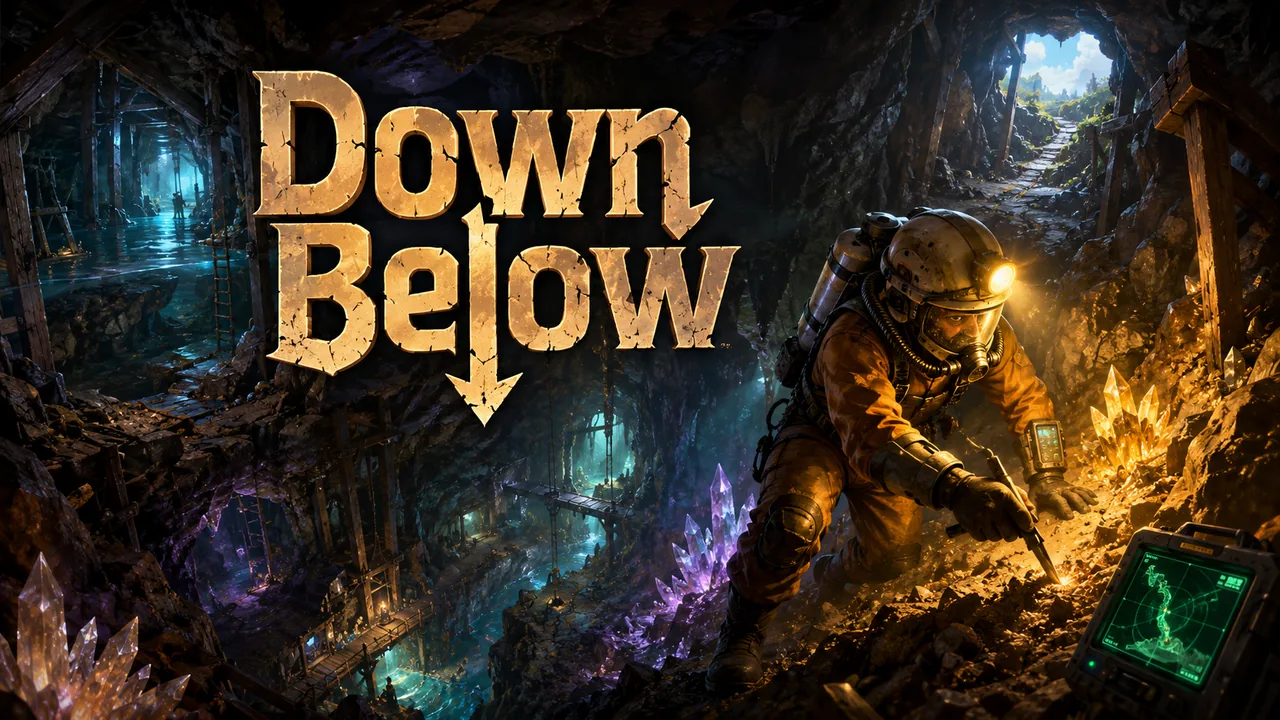 Out Now$1.99FULL GAME
Down Below
Every tunnel you dig is also a choice about how you will get back out.
You dig down through abandoned mines to a contract, then walk back out on whatever air you have left. Fifteen expeditions in three depth bands, with roofs that fall, gas, tremors and a rising flood.
Two expeditionsFifteen expeditions in three depth bands, a Free Dig and a Daily Dig
 Out Now$1.99FULL GAME
Sakura Crest: Social Summit
Four years at Sakura Crest Academy. Every friendship is a choice you will be reminded of.
Live four years of anime school life, one month at a time. Choose a club, build friendships and rivalries, and see who tops the ranking by Prom.
The first 2 school daysA four-year campaign of 240 school days
 In Development
After Closing
Every shop turns into its own small game, but the mall stays one connected place.
The shops are closed and something in the arcade is calling maintenance. Explore a transformed midnight mall in this compact platform adventure.
2 mall roomsThe arcade and the atrium, with an epilogue at the cinema entrance