
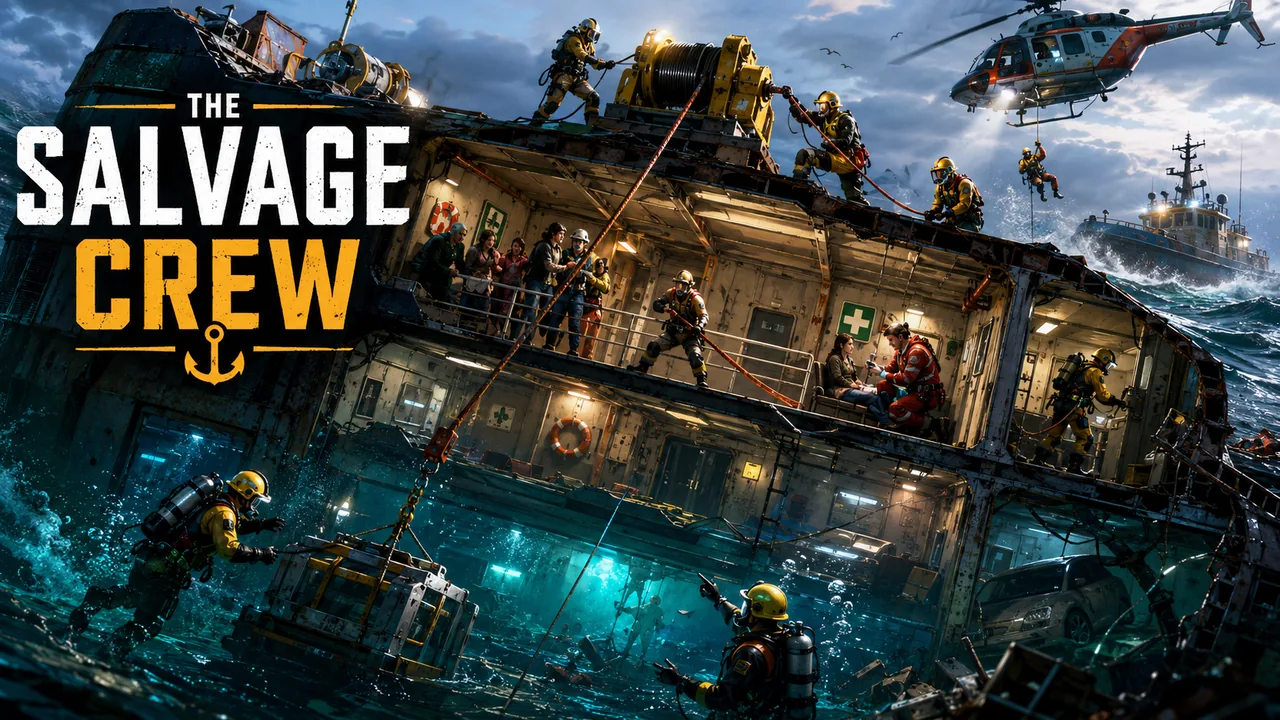
The Salvage Crew · Cover art
Out Now
Cable-rescue puzzle
The Salvage Crew
Brace the deck before you lift the van.
The Salvage Crew is a game for Windows PC: cable-rescue puzzle. Play the free demo in your browser (three coastal contracts), then get the full game for $1.99: one payment, no subscription, no account.
You lower one winch line into collapsed wrecks and bring people back up it. Twenty-five contracts across a harbour, a foundry quarter, a mine and a tower district, with six specialists and eleven tools.
Full game$1.99
Free demoThree coastal contracts
A good breakTwenty-five contracts in four regions
PlayersSingle player
Game languageEnglish
Card and other methods, on Creem's checkout
You pay on the checkout page of the method you choose, then come back here to download.
Play free demo of The Salvage Crew$1.99 full game · One purchase, no subscription.
If a game does not run on your computer, or simply is not what you expected, you can ask for a full refund within 14 days of purchase. Refund policy
- $1.99 once, no subscription
- 14-day refunds
- DRM-free Windows installer that plays offline
- Pay with Creem or PayPal
A CLOSER LOOK
See it in action.
Real screens from the game. Select an image for a closer look.
YOUR NEXT “ONE MORE GO”
What makes it fun.
You run a shoestring recovery team, taking the jobs that are too dangerous or too small for the big contractors.
Four regions
Six specialists
TRY A LITTLE. PLAY A LOT.
Get a taste of The Salvage Crew.
FREE BROWSER DEMO
Three coastal contracts
Learn the controls and play the opening. It costs nothing and needs no account.
- Play straight in your browser
- A short opening slice
- Replay as often as you like
THE FULL GAME · $1.99
The rest of the game.
Twenty-five contracts in four regions with six specialists, eleven tools, nine kinds of danger zone, seventy-five grades, a crew yard, hard mode, a daily contract and an endless Overtime shift.
- Everything past the demo
- A Windows installer to keep
- One price, no subscription
Card and other methods, on Creem's checkout
$1.99 full game · One purchase, no subscription.
THE FILE
What you download, in plain facts.
System requirements
| Requirement | Minimum | Recommended |
|---|---|---|
| Operating system | Windows 10 (64-bit) | Windows 10 or Windows 11 (64-bit) with current updates |
| Processor | 64-bit (x64) processor with SSE3 support | Dual-core 64-bit processor |
| Memory | 4 GB RAM | 8 GB RAM |
| Graphics | DirectX 11 graphics. Integrated graphics are enough. | Integrated or dedicated graphics with current drivers |
| Free disk space | 350 MB | 1 GB |
| Display | 960 x 540 | 1280 x 720 or larger |
| Controls | Keyboard and mouse | Keyboard and mouse |
Installed size: 260 MB, plus the 78 MB installer. In our own test on Windows 11 with integrated graphics, The Salvage Crew used up to about 660 MB of memory while playing.
- Version
- 1.0.0
- File
- The Salvage Crew Setup 1.0.0.exe (78.0 MB)
- Checksum (SHA-256)
b05674b3228efcf3…The full value is on your order page. Check your download with Get-FileHash in PowerShell.- Works on
- Windows 10 or newer (64-bit). One-click installer: no other software needed.
- Installs
- For your Windows user only. The installer does not ask for administrator rights.
- Internet
- Not needed to play. The installed game works offline.
- Account and DRM
- None. No launcher, account, subscription or online activation.
- Your saves
- Kept in your Windows user profile, so they survive updates and uninstalling.
- Controls
- Mouse, Keyboard, Touch
- Made by
- Developed by Fire Dragon Interactive, published by Snack Break Games.
- Windows warning
- The installer is not code-signed, so Windows may show "Windows protected your PC". Choose More info, then Run anyway. The SHA-256 checksum lets you confirm the file is the one we published.
CONTROLS AND COMFORT
How it plays.
Keyboard and mouse or touch. A and D move the winch, W and S reel the line, Q and E change specialist at the top, the number keys pick a tool and Space uses it. R calls an emergency haul. You can click a point in the wreck to send the line there, and a touch screen has on-screen buttons. A forecast shows what a structural choice will do before you commit, and holding Shift lets you look it over safely.
Indestructible cable, automatic tension release, slower collapse timers, grades without time requirements, high-contrast outlines and reduced motion each switch on separately, and the volume has its own slider. Every danger zone is outlined and warns you before it switches on.
PLAYERS SCORE IT
What players say about The Salvage Crew.
Scores run from 1 (worst) to 10 (best). Only players who bought the game can rate it, and you can change your score later.
Player scores
No ratings yet.
Only players who bought The Salvage Crew can rate it, from 1 to 10, once each. Refunded orders do not count.
Bought it? Rate it
QUICK ANSWERS
Before your next break.
How much is The Salvage Crew?+
The Salvage Crew costs $1.99 (US dollars) as a one-time purchase with no subscription. The free browser demo costs nothing.
Can I trust buying The Salvage Crew here?+
You pay with Creem, our Merchant of Record, or with PayPal, so we never see your card details. If you use PayPal, we never see your PayPal password either. The game is a DRM-free installer. Its file size and the start of its SHA-256 checksum are listed on this page. If it is not for you, you can ask for a refund within 14 days.
How does buying The Salvage Crew work?+
Choose Buy full game to pay on Creem's secure checkout, or Pay with PayPal to pay on PayPal. You return to your order page, download the Windows installer, double-click it and open The Salvage Crew from the shortcut on your desktop. It is a one-time purchase with no subscription.
What platforms does The Salvage Crew run on?+
The full game is a one-click installer for Windows 10 or newer (64-bit). The free demo runs in a modern desktop web browser, including on macOS and Linux, so you can try it there first.
What are the system requirements for The Salvage Crew?+
The Salvage Crew needs Windows 10 (64-bit), a 64-bit (x64) processor with SSE3 support, 4 GB of memory and 350 MB of free disk space. DirectX 11 graphics. Integrated graphics are enough. The installed game takes 260 MB, and its window opens at 1280 x 720.
Does The Salvage Crew need an internet connection?+
No. The installed game runs in its own window and works offline. The free demo loads from this website in your browser.
What if the installer does not run, or Windows shows a warning?+
Our installers are not code-signed, so Windows may show "Windows protected your PC". Choose More info, then Run anyway. If the game still does not run on your computer, email support@snackbreakgames.com and ask for a refund within 14 days.
Can I download The Salvage Crew again?+
Yes. Your order page keeps issuing fresh download links for at least 30 days. After that, email support@snackbreakgames.com from your purchase address with your order number.
What happens to my saves if I uninstall The Salvage Crew?+
Your saves stay in your Windows user profile, so they survive updates and uninstalling.
How long does The Salvage Crew take to play?+
Twenty-five contracts in four regions. The free demo covers three coastal contracts.
What can I play for free?+
The browser demo includes three coastal contracts. Play it here before you decide about the full game.
What does the full game include?+
Twenty-five contracts in four regions with six specialists, eleven tools, nine kinds of danger zone, seventy-five grades, a crew yard, hard mode, a daily contract and an endless Overtime shift.
How do I play?+
Mouse, Keyboard, Touch controls. Keyboard and mouse or touch. A and D move the winch, W and S reel the line, Q and E change specialist at the top, the number keys pick a tool and Space uses it. R calls an emergency haul. You can click a point in the wreck to send the line there, and a touch screen has on-screen buttons. A forecast shows what a structural choice will do before you commit, and holding Shift lets you look it over safely.
ANOTHER ONE FOR THE SHELF
More strategy to try.
 Out Now$1.99FULL GAME
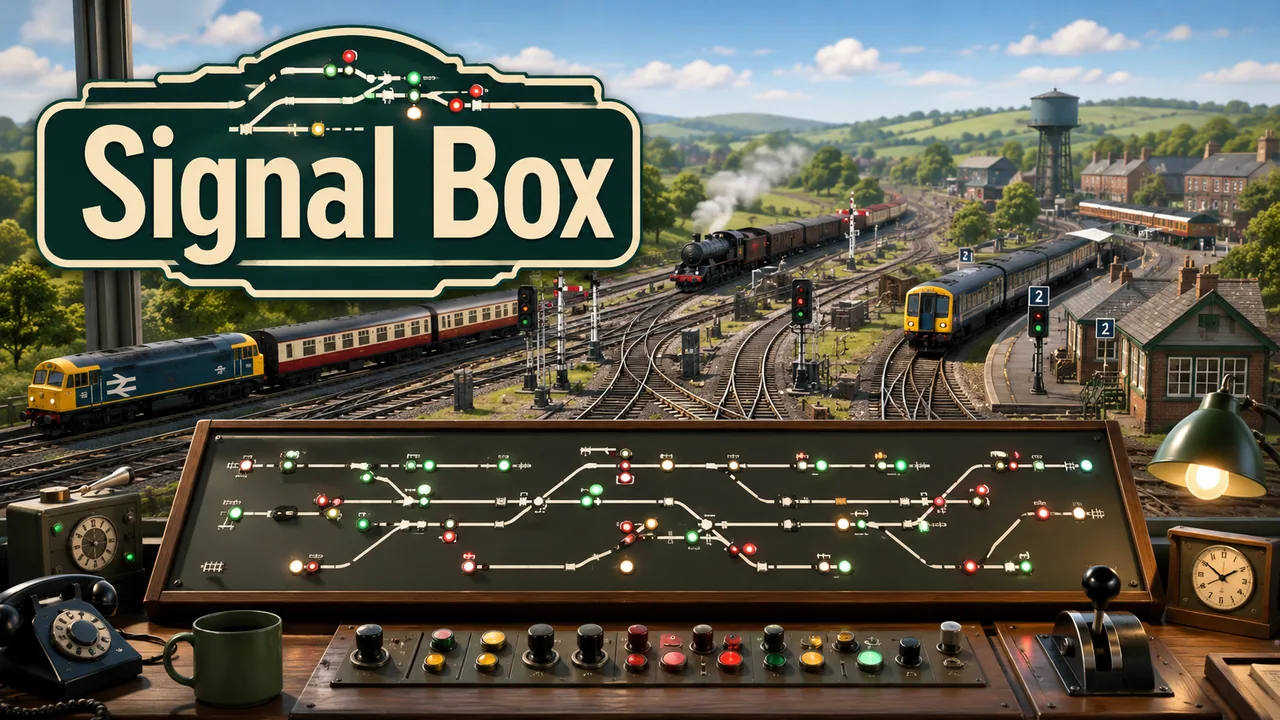
Signal Box
Lock the routes, hold the trains and keep the district on time.
Work a railway signal box through twelve timetables on three layouts. Give every train a route, hold the ones that must wait and find room for the express without trapping the freight.
Two timetables (First Bell and The Overtake Window)Twelve timetables on three layouts
 Out Now$1.99FULL GAME
The Explorer’s Club
The interesting part is deciding what to leave behind before you set out.
Plan expeditions for a run-down explorers' society. Thirty-three contracts, four destinations, ten members and sixty-four pieces of kit that won't all fit.
Two contractsThirty-three contracts in four destinations
 Out Now$1.99FULL GAME
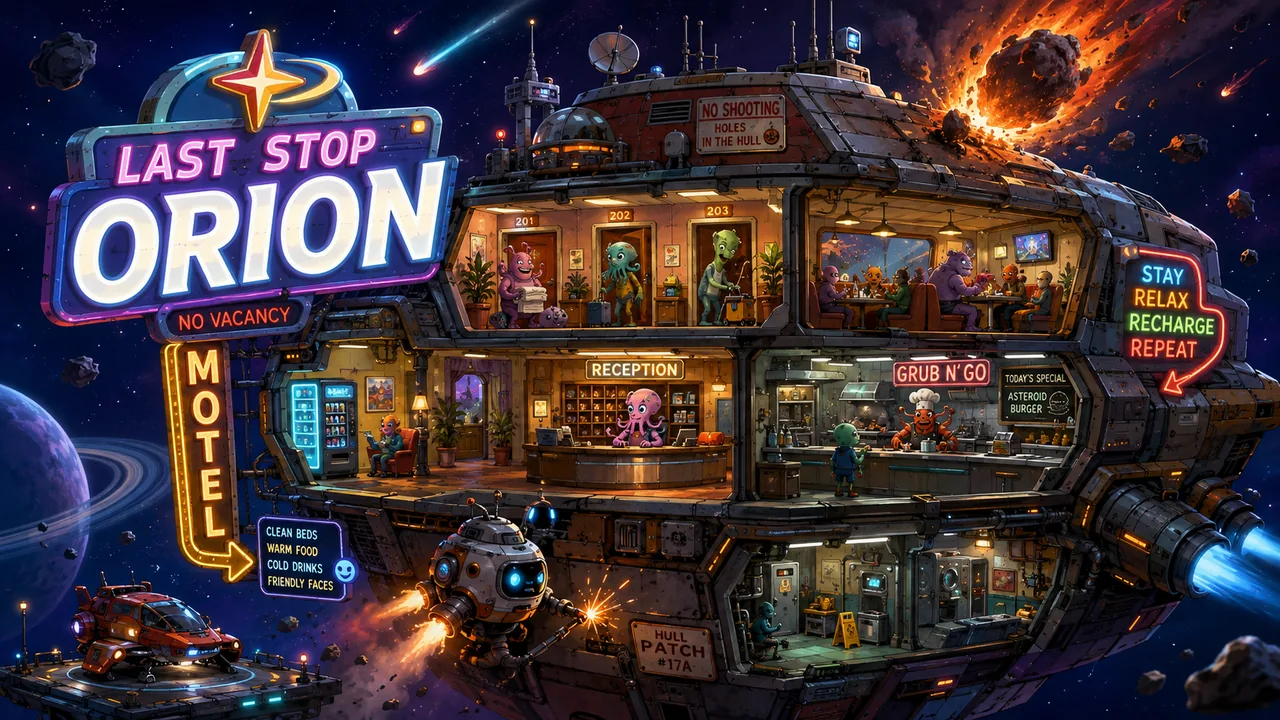
Last Stop Orion
You can't protect everything, so every night is a story about what you chose to save.
You run the last cheap motel before Orion. Route power, close shutters and send your one repair drone through twelve nights of meteors, fires and demanding guests.
Two nightsTwelve nights, a Hard Shift for each and a new Graveyard Shift every day